
💎 Crystal
tech
How to Speed Up a Slow Laptop
5 things to try before buying a new one — starting with the simplest fixes that most people skip.
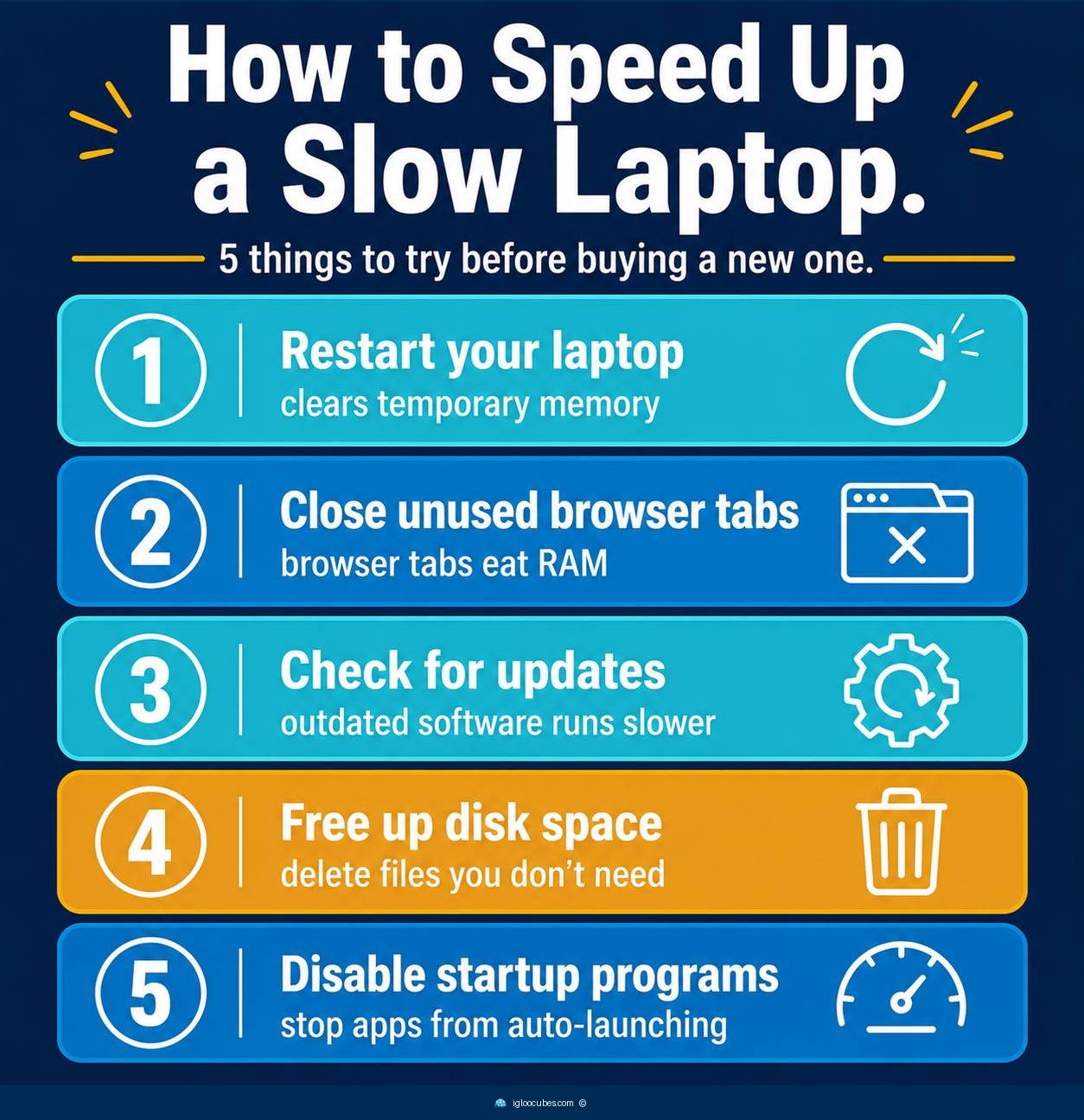
- Restart your laptop first — it clears temporary memory and stops background processes. This fixes 80% of slowdowns on its own.
- Close unused browser tabs — each tab eats RAM. Having 20+ tabs open is the most common reason a laptop feels slow.
- Check for updates — outdated operating systems and drivers run slower and can have security holes that slow things down.
- Free up disk space — your drive needs at least 10-15% free space to run efficiently. Delete old downloads and unused apps.
- Disable startup programs — stop apps from auto-launching when you turn your laptop on. Check Task Manager (Windows) or System Preferences (Mac).
A slow laptop rarely needs to be replaced. Most slowdowns come from one of five fixable causes: the computer hasn’t been restarted in weeks, too many browser tabs are open, the operating system is out of date, the hard drive is nearly full, or too many programs launch at startup. Each of these takes less than two minutes to check and fix.